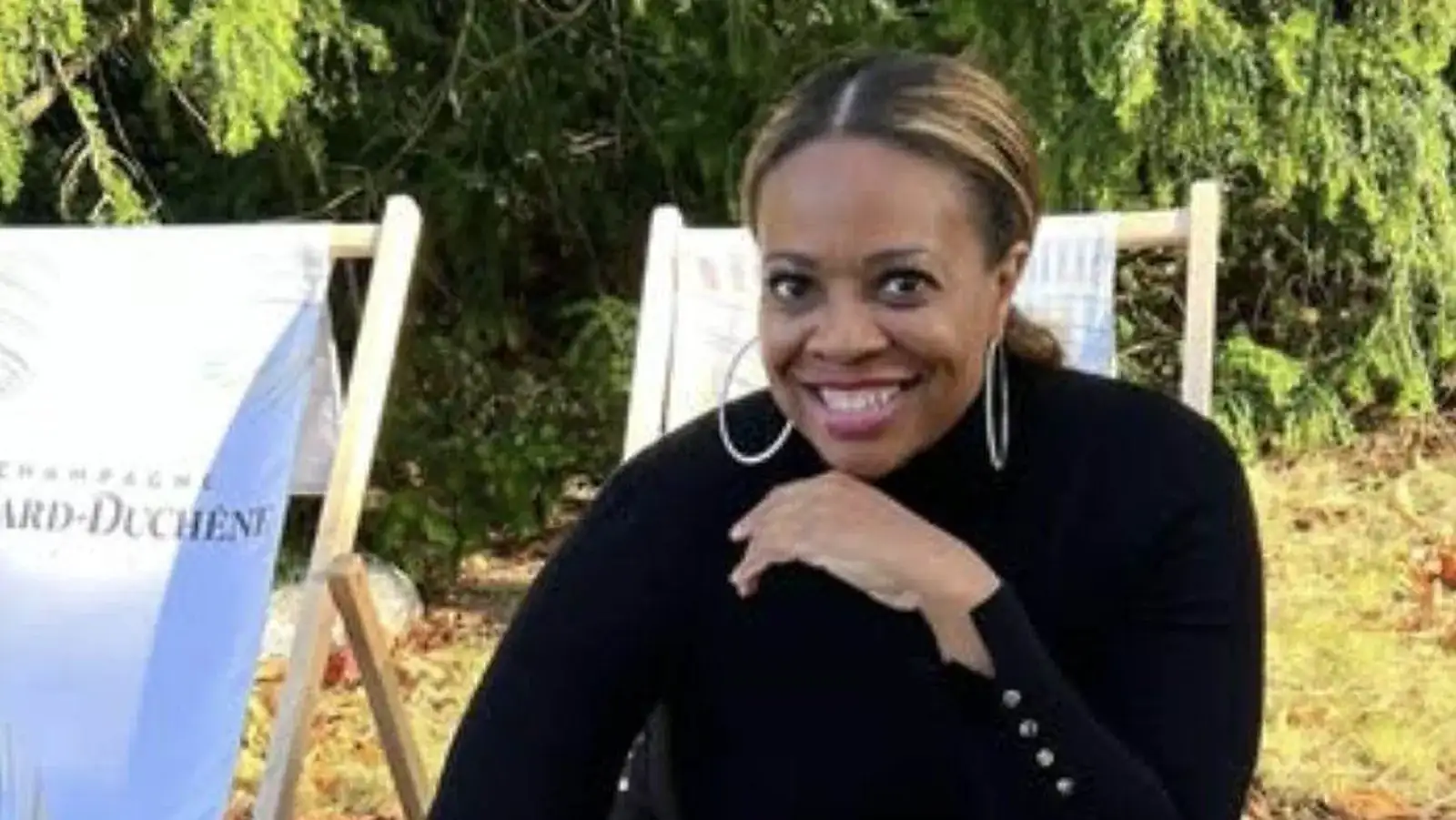
I used to start my morning in my inbox. Eight inboxes, actually. And by the time I found the one email that mattered, I'd lost my morning to everything that didn't.
Now my morning starts on my calendar. My AI chief of staff, Shuri, goes through all that noise for me and puts what I need right there. So I can sit down, go outside with my dog, and read through it on my phone at the dog park.
“I can sit down, watch my dog, go outside, enjoy the dog park, and look at my calendar and read through the questions and leave a quick voice note on my phone.”
What's in my morning brief
Every morning Shuri builds what we call The Morning Pour. It checks my inboxes and my payments, then gives me one short brief in the same order every day.
- Things to pay, with the links right there
- Items that need me to review, each with Shuri's recommendation
- Updates on what got done since yesterday
- A few questions only I can answer, each with a recommendation
That's it. I don't search my email for any of it. If something needs me, it's in the brief.
How it works
From inbox noise to a voice note
- 1
AI checks inboxes
and payments
- 2
The Morning Pour
pay, review, updates, questions
- 3
On my calendar
no email searching
- 4
I answer by voice note
- 5
Blogs and newsletters
How I do it
The Morning Pour, in order
- 1
Things to pay
with the links right there
- 2
Review
only what needs me, with a recommendation
- 3
Updates
what got done since yesterday
- 4
Questions
a few, each with a recommendation
The same order every day, so I can read it in a few minutes.
Source: Claire B. Soares, from her own travel business and live trainings.
The press replies land here too
This is where my press requests go. When a journalist asks for an expert quote, Shuri reads the request, pulls what I've already said on the topic and asks me a few questions. Once I answer, it edits my answers into a reply and adds it to my calendar with my morning brief. I read it and send it myself.
I get interviewed in the morning
This is my favorite part. Once a week there's a block on my calendar with interview questions for me, based on what we're creating that week. Yes, I get interviewed by my own chief of staff.
I read them at the dog park, and I leave a quick voice note on my phone with my answers. I upload it, and that voice note becomes blog posts, newsletters, and whatever else we need. This post started that way.
It's the easiest way I've found to make content, because it's just me talking. The AI doesn't have to guess what I think. I already told it.
Want your own? Paste this into the AI assistant that's connected to your email and calendar.
Copy this prompt
You're my chief of staff. Every morning, check my inboxes and my payments, then put one short brief on my calendar in this order:

1. Things to pay, with the links
2. Anything that needs my review, with your recommendation
3. Updates on what got done since yesterday
4. A few questions only I can answer, each with your recommendation

Once a week, also add a 30-minute block with interview questions for me, based on what we're creating that week. I'll answer by voice note, and you'll turn my answers into blog posts and newsletters in my voice.

Never pay, post or send anything for me. Keep the brief short enough to read on my phone.
A note before you try this
Keep the brief short and in the same order every day, or you'll stop reading it. Have your AI give you a recommendation with every question, so you can answer with a yes instead of starting from scratch. And keep yourself as the last step on anything that pays money or sends a message.
Build your morning brief with me
Your chief of staff is the first AI employee I'd build. In my free AI Masterclass I'll show you how to set it up, and inside Travel AI University we build the morning brief together.
Common Questions
What is an AI morning brief?
It's a short daily summary your AI chief of staff builds from your inboxes and payments. Claire's has the same four parts every day: things to pay, items to review, updates, and a few questions, each with a recommendation.
Why put the morning brief on your calendar?
So you don't have to search email to find what matters. Claire reads her brief and her press drafts from her calendar on her phone, wherever she is.
How do you turn voice notes into blog posts?
Claire's chief of staff puts interview questions on her calendar once a week. She answers them in a quick voice note, uploads it, and the AI turns her own words into blog posts and newsletters.

Written By
Claire B. Soares
Claire B. Soares is the founder of Travel AI University, a 6x Condé Nast Traveler Top Travel Specialist, and a Certified AI Consultant with a B.S. in Computer Science. A top 10% enterprise sales executive, she sold $3.4B+ in enterprise software to Google, Microsoft, IBM, Boeing, the federal government, and the DoD, then built $16M+ in luxury travel sales.
About Claire